- You have no items in your shopping cart
- Continue Shopping
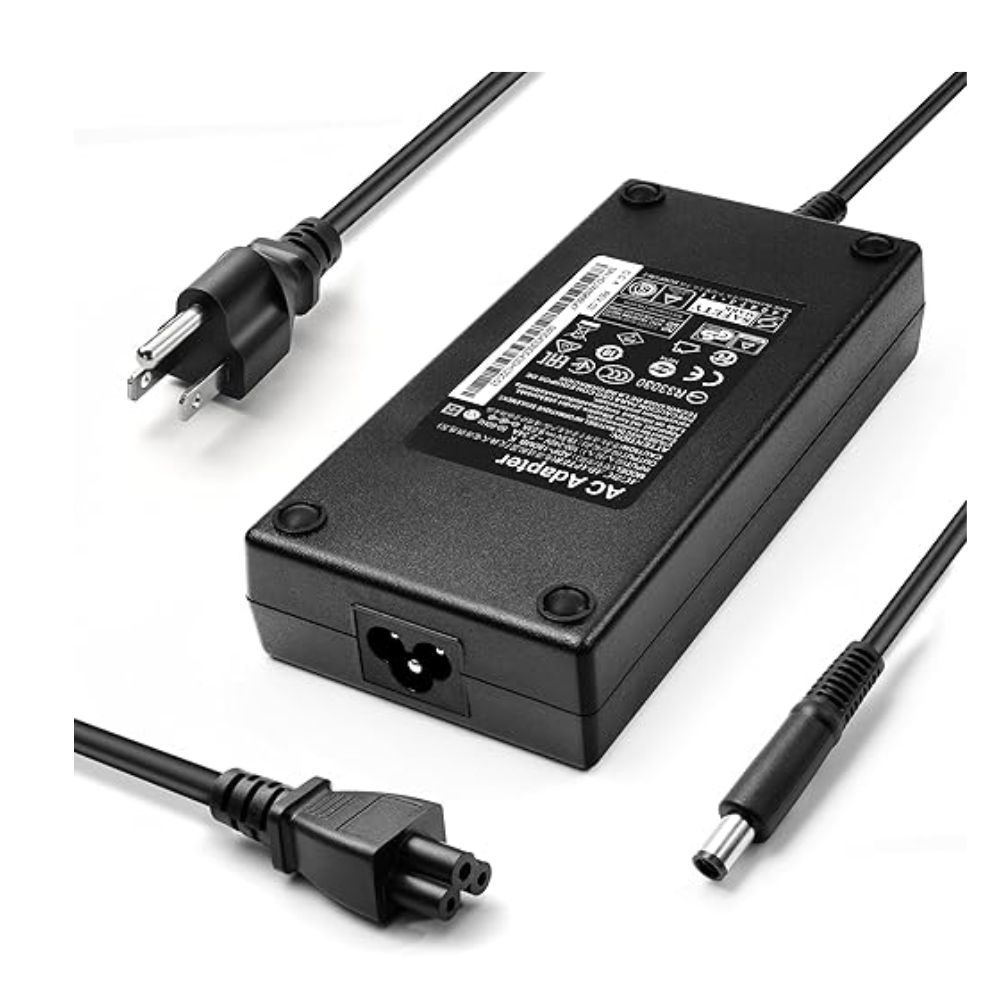
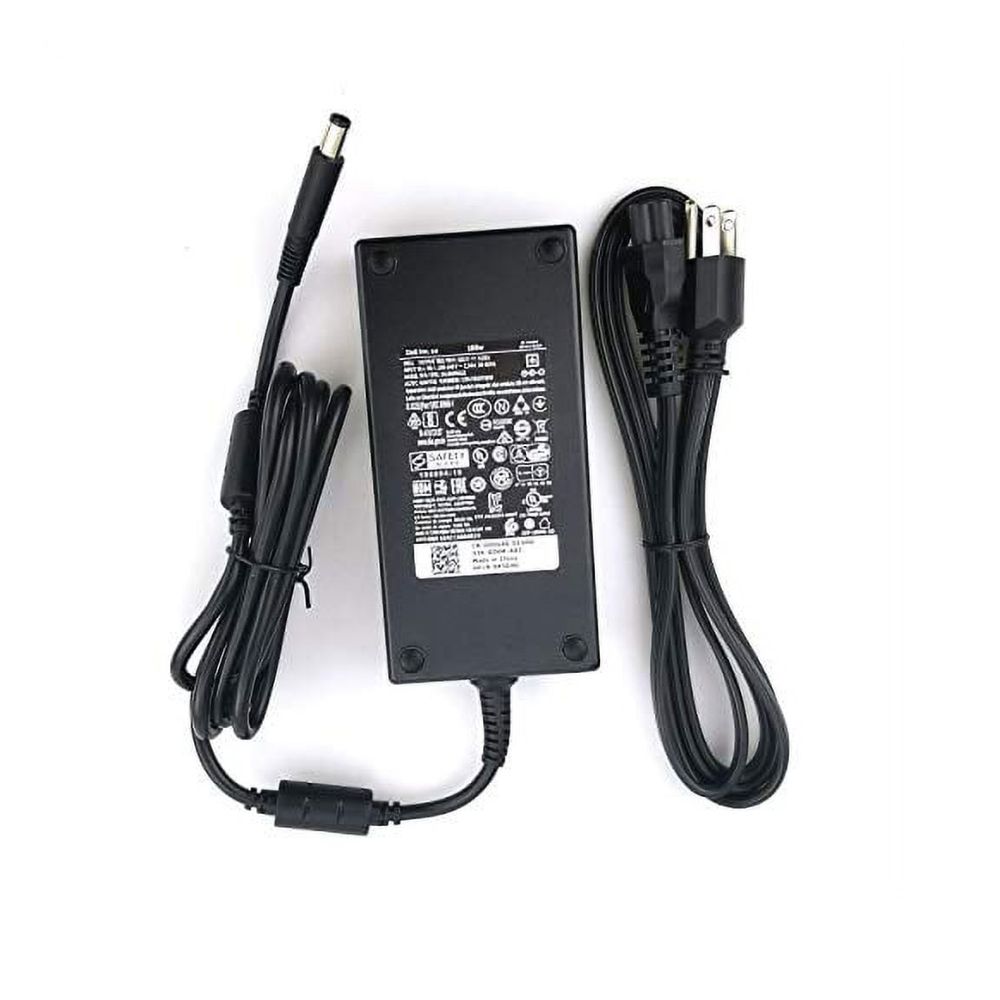
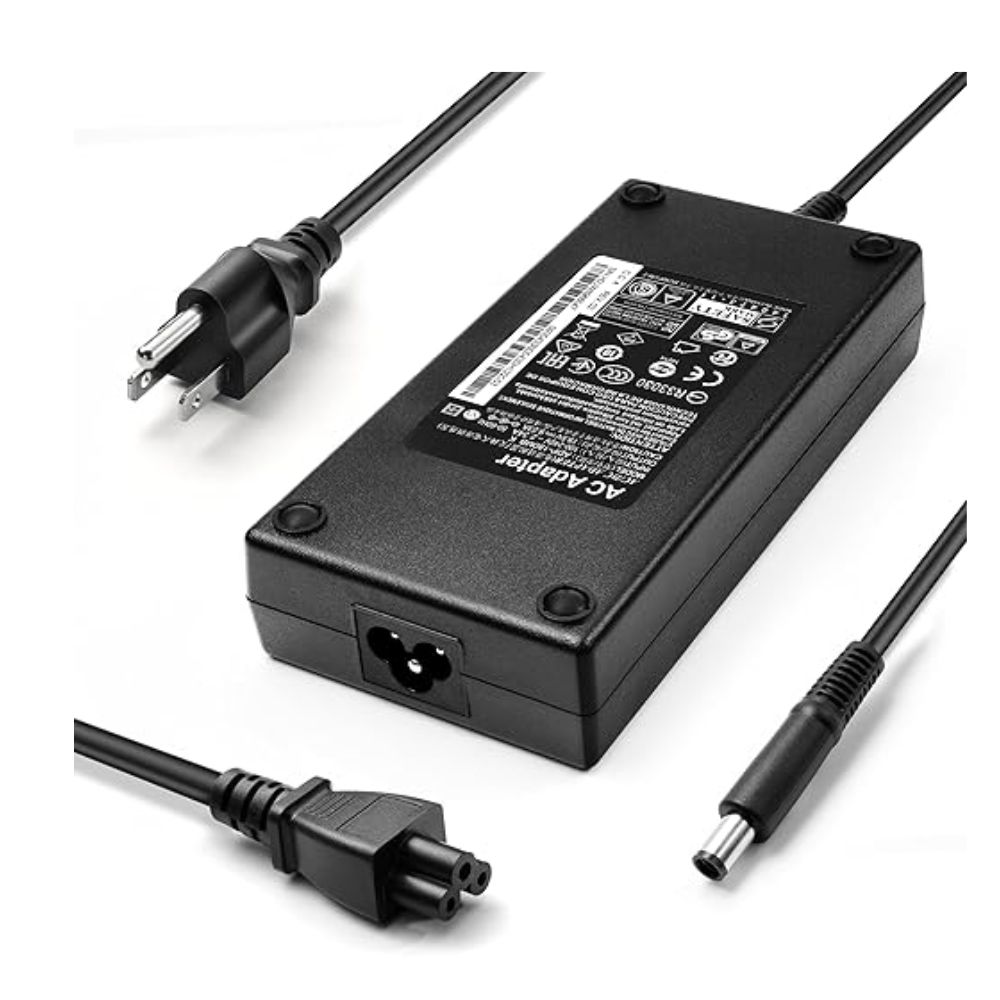
Charger for Dell WD19TBS / WD19S Thunderbolt Dock – 180W AC Adapter
KSh 4,000.00
Charger for Dell WD19TBS / WD19S Thunderbolt Dock – 180W AC Adapter: Key Specifications
- Type: AC Power Adapter (Dell Docking Station Power Supply)
- Power Output: 180W
- Voltage: 19.5V DC
- Current: 9.23A
- Connector Type: Dell DC Barrel Connector (7.4mm x 5.0mm)
- Compatibility: Dell WD19S / WD19TBS / WD19 / WD19TB docking stations and compatible Dell USB-C Thunderbolt docks
- Condition: Brand new replacement charger
- Color: Black
- Includes: 180W AC adapter + power cord
Order Via WhatsApp
Charger for Dell WD19TBS / WD19S Thunderbolt Dock – 180W AC Adapter: Overview
This 180W Dell docking station power adapter is designed to supply stable and reliable power to Dell’s professional docking systems such as the WD19S and WD19TBS Thunderbolt docks. It ensures consistent operation for connected laptops, monitors, and peripherals while delivering sufficient power for high-performance workflows.
According to Dell specifications, the WD19S / WD19TBS docks use a 180W AC adapter, which allows the dock to deliver up to 130W power delivery to compatible Dell laptops while reserving additional power for connected devices and docking functions.
These docks are widely used in business and workstation setups where a single cable provides charging, display output, and data connectivity.
Charger for Dell WD19TBS / WD19S Thunderbolt Dock – 180W AC Adapter: Price in Kenya
| Product | Price (KSh) |
|---|---|
| Dell WD19TBS / WD19S 180W Dock Charger | 4,000 |
Charger for Dell WD19TBS / WD19S Thunderbolt Dock – 180W AC Adapter: Full Specifications
| Specification | Details |
|---|---|
| Type | Docking Station AC Adapter |
| Power Output | 180W |
| Voltage | 19.5V DC |
| Current | 9.23A |
| Connector Type | 7.4mm x 5.0mm Barrel Pin |
| Compatibility | Dell WD19S / WD19TBS / WD19 / WD19TB docks |
| Condition | Brand new replacement |
| Color | Black |
| Includes | 180W adapter + AC power cord |
Charger for Dell WD19TBS / WD19S Thunderbolt Dock – 180W AC Adapter: Design & Build
- Heavy-duty docking station power supply
- Stable high-current output for multi-device setups
- Durable heat-resistant casing
- Designed for continuous business use
Charger for Dell WD19TBS / WD19S Thunderbolt Dock – 180W AC Adapter: Performance
- Powers dock + laptop + peripherals simultaneously
- Supports up to 130W laptop charging via dock
- Stable voltage under heavy load
- Optimized for workstation environments
Charger for Dell WD19TBS / WD19S Thunderbolt Dock – 180W AC Adapter: Safety Features
- Over-voltage protection
- Over-current protection
- Short-circuit protection
- Over-temperature protection
Charger for Dell WD19TBS / WD19S Thunderbolt Dock – 180W AC Adapter: Compatibility
- Dell WD19S Docking Station
- Dell WD19TBS Thunderbolt Dock
- Dell WD19 / WD19TB docks
- Compatible Dell USB-C / Thunderbolt laptops when used with dock
- Not a direct laptop charger (dock-only use)
Charger for Dell WD19TBS / WD19S Thunderbolt Dock – 180W AC Adapter: Features & Benefits
- Powers full workstation docking setup
- Supports multi-monitor configurations
- Stable 130W pass-through charging capability
- Reliable Dell enterprise-grade design
- Ideal replacement or spare dock power supply
Charger for Dell WD19TBS / WD19S Thunderbolt Dock – 180W AC Adapter: Ideal Use Case
- Office workstation setups
- Corporate IT environments
- Engineers and developers using multi-display setups
- Home office docking stations
- Hot-desking environments
Charger for Dell WD19TBS / WD19S Thunderbolt Dock – 180W AC Adapter: Pros & Cons
| Pros | Cons |
|---|---|
| Powers full docking station setup | Not a direct laptop charger |
| Supports up to 130W laptop delivery | Heavier than standard adapters |
| Stable enterprise-grade performance | Only for compatible Dell docks |
| Reliable multi-device power supply | — |
Charger for Dell WD19TBS / WD19S Thunderbolt Dock – 180W AC Adapter: FAQs
Q: Does WD19S really need a 180W adapter?
A: Yes, it is designed to use a 180W adapter for full performance and proper power distribution.
Q: Can it charge my laptop directly?
A: No, it powers the dock, which then charges the laptop via USB-C/Thunderbolt.
Q: What is the benefit of 180W vs lower wattage?
A: It ensures stable multi-device operation and up to 130W charging through the dock.
Charger for Dell WD19TBS / WD19S Thunderbolt Dock – 180W AC Adapter: Conclusion
The Dell WD19S / WD19TBS 180W dock adapter is a reliable power solution for professional docking stations. At KSh 4,000, it provides stable performance, enterprise-grade reliability, and full support for multi-device workstation setups.